
You are scrolling through your friends list when a tiny golden moon pops up next to someone’s picture. Your stomach drops a little. Did you say something wrong? 🌙
Take a breath. If you are wondering what does the moon on Discord mean, the answer is calm and simple. Nobody is upset with you, and nothing is broken.
In this guide, you will learn exactly what that moon says, where you will see it, and how to remove it from your own profile. You will also learn why some people put a moon emoji in their bio. Let’s clear it up. ✅
What Does the Moon on Discord Mean?
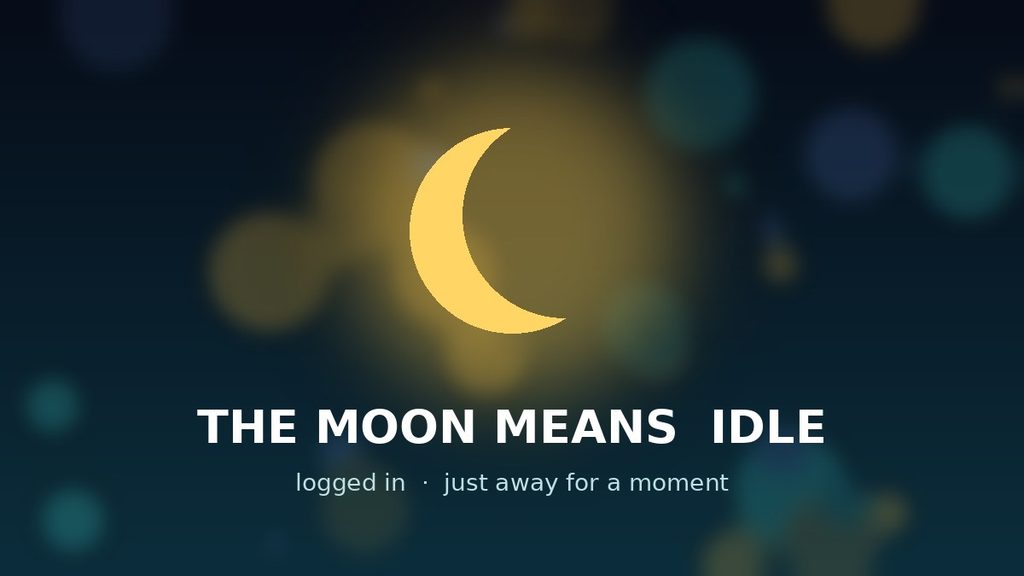
The moon on Discord is the Idle status. It means a person is logged in, but they have been inactive for a while. Discord draws a yellow crescent moon on the corner of their profile picture to show it.
In plain terms, the moon says, “I’m still here, but I stepped away.” The account is connected, and the person can answer when they come back.
Discord can add the moon for you after a few minutes of no activity. You can also choose it by hand from the status menu.
The Simple Meaning in Easy Words
Picture a friend who is hanging out at your house. At some point, they walk into the kitchen to grab a drink. They have not left the house. They are just not on the couch anymore.
The Discord moon works in the same way. The person is inside Discord’s “house,” but not sitting in front of the screen at that moment.
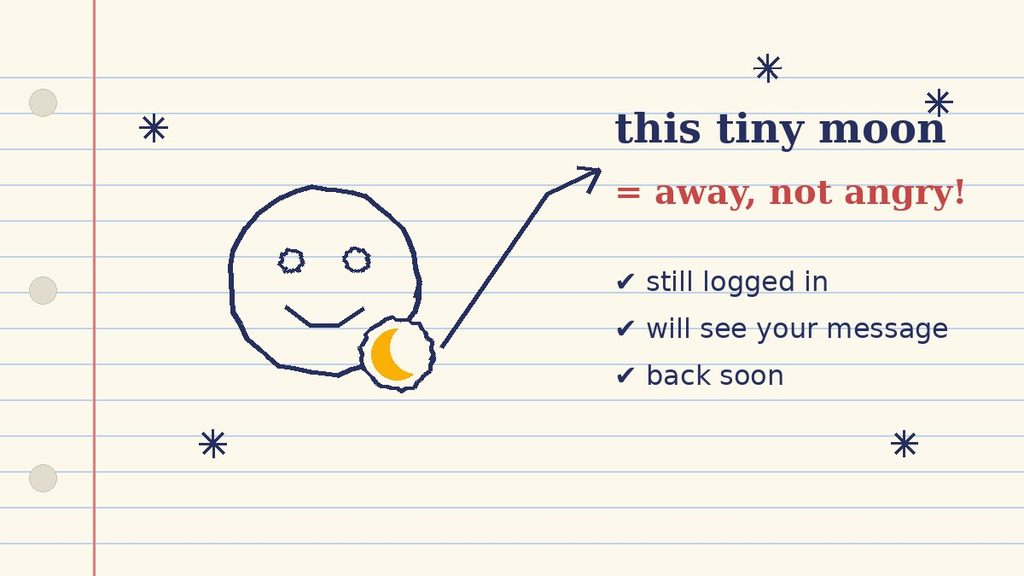
So the moon tells you three things:
- They are logged in. Their account is online and connected.
- They are away right now. They have not clicked or typed lately.
- They will probably be back. Most breaks only last a few minutes.
That is all. The moon does not tell you why they left, and it does not show any feelings. It is just a small status light.
What Does the Discord Moon Icon Look Like?
Many users mix up the icons, so let’s get the details right. The idle moon is a yellow crescent that sits on the lower corner of a profile picture. It looks like a small bite taken out of a circle.
Every status uses its own shape, and that is a big help. You can tell them apart even when the icons are tiny:
- 🟢 A green dot means online.
- 🌙 A yellow crescent moon means idle.
- ⛔ A red circle with a line means Do Not Disturb.
- ⚪ A grey hollow circle means invisible.
Because the moon has a unique shape, you will rarely confuse it with the others. Look closely, and you will spot it in a second.
Where Is the Discord Moon Used?
You can find the moon in many corners of the app. Once you know where to look, you will notice it everywhere. Here are the places where you will meet the answer to what does the moon on Discord mean.
In Your Friends List and Direct Messages
This is the most common spot. Open your friends list or a DM, and each person has a status icon on their avatar. If you see the moon, that friend is idle.
In Server Member Lists
Inside a server, the member list on the side shows everyone who is around. Idle members still appear there with their moon icon. Therefore, you can quickly see who is active and who is away.
On Profile Cards
Click on someone’s name, and a small profile card opens. The status icon appears on their picture there as well. It matches what you see everywhere else.
On Phones, Tablets, and Browsers
The moon looks the same on the mobile app and on the web version. However, on a phone, the status can shift more often. For example, a friend may look idle when the app has been sitting in the background.
Why Does the Moon Show Up on My Own Profile?
Sometimes the moon appears on your picture, and you did not touch a thing. That surprises many people. When they ask what does the moon on Discord mean for their own account, the reasons are easy to understand.
- Discord set it for you. After a few minutes of no activity, it switches you to idle. Many guides put this at about five minutes.
- You chose it earlier. A manual idle stays on until you change it.
- You worked in another window. Discord may not count activity outside its own window.
Discord’s help page only says the switch happens after “a certain amount of time.” It does not share the exact number. So the five-minute figure is a rule of thumb.
Good news: if Discord added the moon by itself, it removes the moon by itself. As soon as you become active again, your status returns to online.
Why Do People Use the Moon Status?
Most of the time, the moon is automatic. Still, plenty of people pick it on purpose. Here is why:
- It sets honest expectations. Friends know you may answer slowly.
- It removes pressure. Nobody expects a reply within seconds.
- It keeps you reachable. You still get your notifications while idle.
- It feels softer than other statuses. Do Not Disturb can sound strict, and Invisible can feel secretive.
In short, the moon is the gentle middle option. It says, “I’m around, but not glued to the screen.”
What Does the Moon on Discord Mean for Your Notifications?
This is a question many users ask, and the answer is reassuring. The moon changes how you look to others. It does not silence your account.
While you are idle, your notifications keep working. In general, Discord may also send alerts to your phone when your computer sits idle. So you can leave your desk and still catch an important ping.
Some days you want real quiet, though. In that case, choose Do Not Disturb instead of the moon. It mutes desktop notifications, so nothing breaks your focus.
Think of it this way. The moon says “I’m away.” Do Not Disturb says “please leave me alone.” They solve two different problems.
What About the Moon Emoji 🌙 in Names and Bios?
Here is something that confuses a lot of people. Not every moon you see on Discord is the idle status. Some users add a moon emoji to their custom status, bio, or name.
That emoji is a decoration, not a status. Discord does not add it, and it does not mean the person is idle. So when you ask what does the moon on Discord mean, check where the moon sits first.
People use the moon emoji for a few different reasons:
- “Good night.” They are heading to bed, or they want to say goodnight.
- “Night owl.” They love staying up late.
- Aesthetic style. Moons and stars match a calm, dreamy profile look.
- Mood or vibe. It can signal a quiet, relaxed mood.
A quick way to tell the difference: the status moon is a small badge on the avatar. The emoji moon is text, found in a custom status line or bio. They look similar, but they play different roles.
Real-Life Examples of the Moon on Discord
Examples make this much easier to remember. These four scenes show what the moon looks like in everyday life.
Example 1: The Late Dinner
Jamal is chatting with his study group. His mom calls him to dinner, so he leaves his laptop open. Ten minutes later, a moon appears on his picture.
What it means: He is eating, not ignoring anyone. He will answer after dinner.
Example 2: The Movie Break
Sofia plays a movie on her second monitor. She never clicks inside Discord, so Discord thinks she is away. Her friends see the moon.
What it means: She may still hear a ping and glance over. A message will not bother her.
Example 3: The Forgotten Moon
Ken set his status to idle on Monday because he was busy. It is now Thursday, and the moon is still there. He simply forgot to switch back.
What it means: Manual idle does not expire. Ken is probably active, so a message is totally fine.
Example 4: The Goodnight Moon
Lina’s custom status reads “Goodnight everyone 🌙.” Her avatar still shows a green dot, because she has not gone idle yet.
What it means: The moon here is an emoji, not the idle badge. She is saying goodbye, and she may be online for a few more minutes.
The Discord Moon vs Similar Icons and Terms
The moon is one icon in a small family. This table shows what does the moon on Discord mean next to the others, so you never mix them up again.
| Icon or Term | Where You See It | What It Means | Who Controls It |
|---|---|---|---|
| Yellow crescent moon | Avatar badge | Idle: logged in, but away | Discord or you |
| Green dot | Avatar badge | Online and active | Discord or you |
| Red circle with a line | Avatar badge | Do Not Disturb: notifications muted | You |
| Grey hollow circle | Avatar badge | Invisible: looks offline | You |
| Moon emoji 🌙 | Custom status, bio, or name | Goodnight, night owl, or just style | The user |
| “AFK” (slang) | Chats and voice calls | Away from keyboard | The user |
Notice the pattern here. The icons on the avatar are real statuses, and they all come from Discord. The emoji and the slang are things people choose to type.
Also, Discord’s own help page explains that Do Not Disturb mutes desktop notifications, and Invisible makes you look offline. You can read the details in its guide to changing your online status.
When Should You Use the Moon Status on Discord?
You can let Discord handle it. However, choosing the moon yourself is a smart move in some moments.
- ✅ You are stepping away for a short break.
- ✅ You are watching a video or eating, but can still reply later.
- ✅ You want friends to know you are slow to answer today.
- ✅ You are busy offline, yet you still want your notifications.
On the other hand, pick a different status in these cases:
- ⚠️ Need deep focus? Use Do Not Disturb, so alerts stay quiet.
- ⚠️ Want to look offline? Use Invisible.
- ⚠️ Ready to chat? Use Online, so people feel free to message you.
The best rule is simple. Make your status match your real situation, and your friends will always know what to expect.
Common Misunderstandings About the Moon on Discord
Because the icon is tiny, people read too much into it. Here are the most common mistakes about what does the moon on Discord mean. 🔥
“They are mad at me.”
Not at all. The moon has nothing to do with feelings. In most cases, the person just has not touched the app for a few minutes.
“They blocked me.”
A block does not show as a moon. If someone blocks you, you simply lose access to them. An idle user is still fully reachable.
“The moon means they are asleep.”
Sometimes, yes. But it can just as easily mean they are cooking, studying, or watching a show. The moon never explains why.
“The moon means they are offline.”
No. Offline users are not connected. Idle users are connected and can see your message when they return.
“The moon means Do Not Disturb.”
These are different. Idle keeps notifications on. Do Not Disturb mutes desktop alerts and uses a red icon instead.
“Every moon on Discord is a status.”
Also false. A moon emoji in a bio or custom status is just decoration. Only the badge on the avatar counts as the idle status.
Can You Tell Idle From Offline at a Glance?
Here is an honest answer: not always. An idle friend shows a moon, so that case is easy. But a friend who uses Invisible mode looks exactly like someone who is offline.
Because of this, a grey or missing status does not prove anyone is gone. They might simply prefer privacy. Discord also does not show a “last seen” time, so you cannot check when they were last around.
What can you do? Send the message anyway. If the person is online or idle, they will see it soon. If they are truly offline, they will see it when they log in.
Pro Tips for Handling the Discord Moon Like an Expert
You now know what does the moon on Discord mean. Next, let’s use that knowledge. These tips will save you time and confusion.
Tip 1: Remove the Moon in Seconds
On a computer, click your profile picture in the bottom-left corner. Then pick “Online” from the menu. On your phone, tap your profile icon, choose “Set Status,” and tap “Online.”
Tip 2: Set the Moon by Hand When You Need It
Use the same menu, but pick “Idle” instead. Remember that a manual moon does not go away alone. You must switch it off yourself.
Tip 3: Add a Custom Status for Clarity
A moon alone leaves room for guessing, even after you learn what does the moon on Discord mean. A short note removes the doubt. Try “Back in 30 mins 🍜” or “Studying, reply later 📚.”
Tip 4: Message Anyway
When in doubt, send your message. An idle user still receives it, and they will see it as soon as they return. You never need to wait for the moon to disappear.
Tip 5: Check the Spot Before You Judge
Look at where the moon sits. On the avatar, it is a status. In the bio or custom status, it is an emoji. That single check clears up most confusion.
Tip 6: Choose Kindness
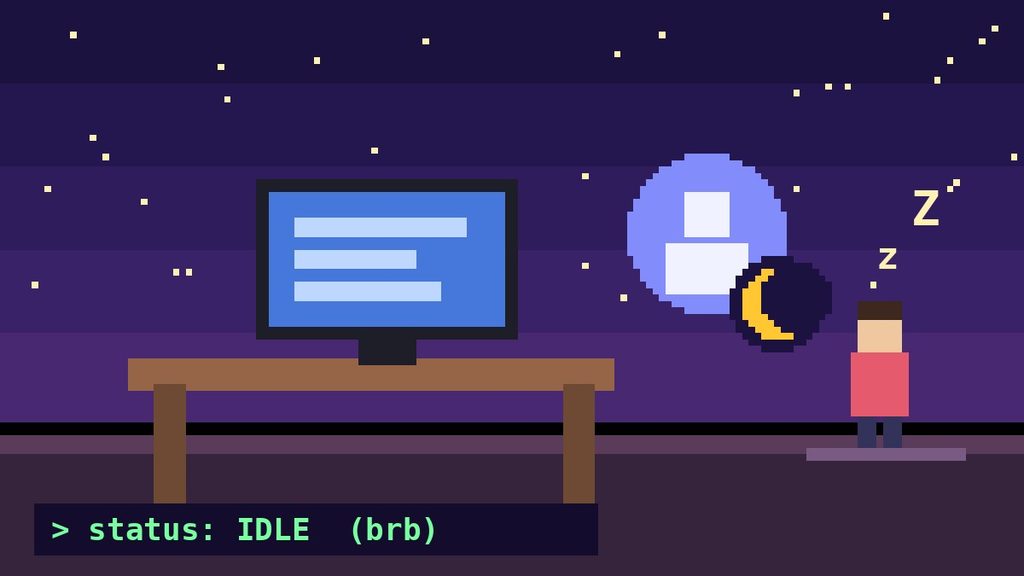
If a friend replies late, give them a break. Life happens away from the screen. A little patience keeps your server friendly and welcoming. 💛
Final Thoughts
The little moon is not a warning, a block, or a sign of anger. It is Discord’s gentle way of saying, “This person is away for now.”
Next time you wonder what does the moon on Discord mean, you will know the answer at a glance. Send your message, stay relaxed, and expect a reply when they return. 🌙
FAQ: What Does the Moon on Discord Mean?
What does the moon on Discord mean in simple words?
It means the person is logged in, but away for now. Discord shows a yellow crescent moon on their profile picture. This is the Idle status.
Does the moon on Discord mean someone is ignoring you?
No. The moon only shows that they have not been active lately. They may not have seen your message yet. They will see it when they come back.
How do I get rid of the moon on my Discord profile?
Open the status menu by clicking your profile picture, then choose Online. If Discord added the moon by itself, being active again also removes it. If you picked idle by hand, you must change it manually.
Is the moon emoji the same as the idle moon?
No. The idle moon is a badge on the avatar that Discord controls. A moon emoji in a bio or custom status is just a decoration that the user types, often to say goodnight or to show a night-owl style.