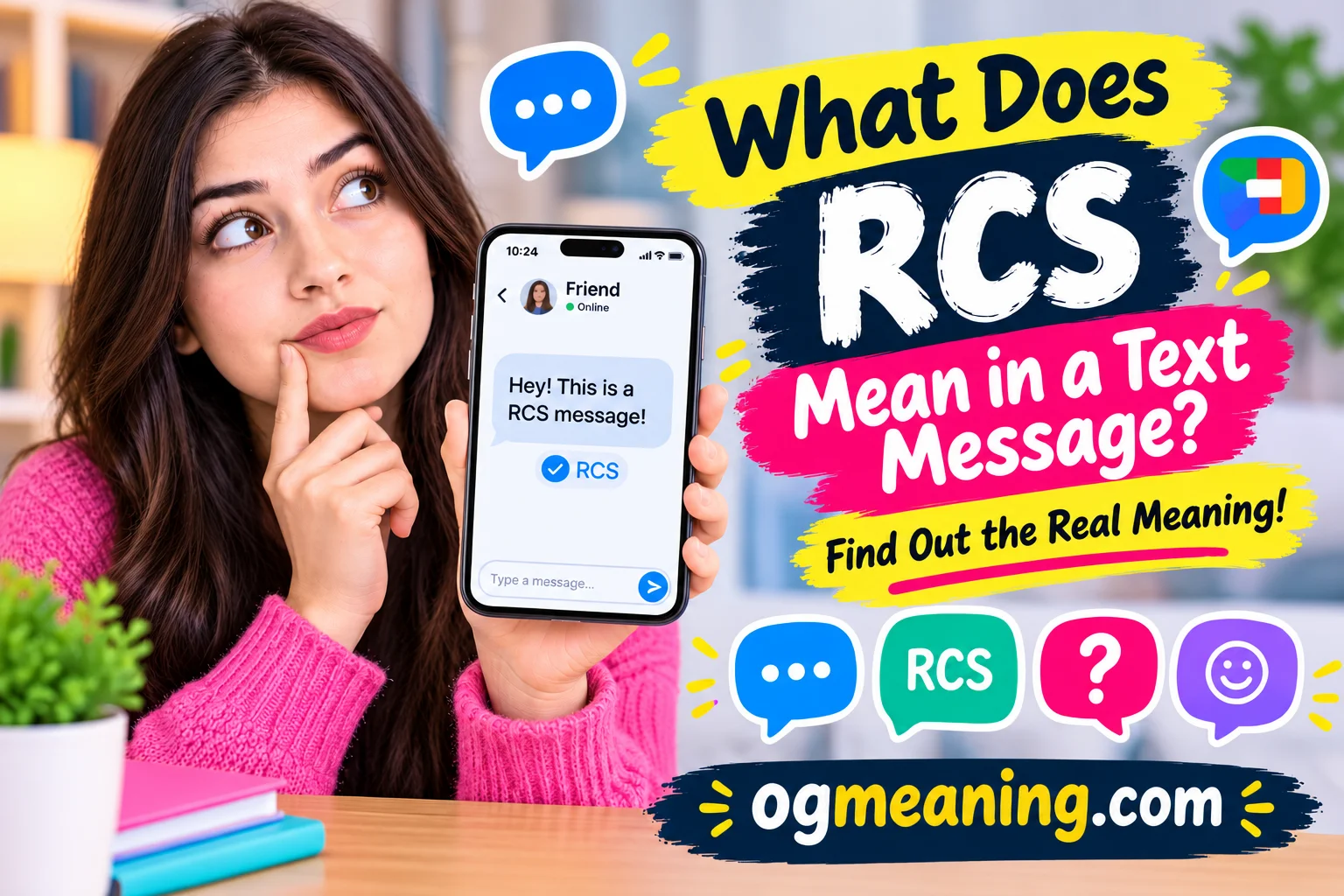
You open a chat and see three little letters under the text box: RCS. Nobody told you what they mean. Your phone didn’t explain either.
So you wonder if it’s a setting, a fee, or a warning. Good news: it’s none of those.
Here is the quick answer to what does RCS mean in a text message. It stands for Rich Communication Services, a modern messaging upgrade that makes regular texting work more like WhatsApp or iMessage. ✅
Let’s walk through what it does, where you’ll see it, and how to use it well.
What Does RCS Mean in a Text Message? (Quick Answer)
RCS stands for Rich Communication Services. It is a messaging standard that replaces old SMS and MMS texting with a faster, smarter version.
With RCS, your texts travel over Wi-Fi or mobile data instead of the old cellular text channel. Because of that, you get features that plain SMS never had.
Those features include:
- Typing indicators (you see “…” while someone writes)
- Read receipts (you know when a message was seen)
- High-quality photos and videos
- Better group chats
- Larger file sharing
When your phone shows “RCS” in the message box, it simply tells you: this chat is using the upgraded system.
The Simple Meaning in Easy Words
Think of SMS as a paper letter. It works, but it’s basic.
Now think of RCS as a video call with chat bubbles. It carries more, shows more, and feels more alive. 🔥
Here is the idea in a nutshell:
- RCS = Rich Communication Services
- What it is: an upgraded version of text messaging
- Needs: internet (Wi-Fi or mobile data) plus support from your carrier and phone
- Cost: usually no extra charge, though data rules can apply
Where Will You See RCS? (Platforms and Situations)
You don’t need a special app to use RCS. It shows up in the messaging app you already have. Still, where you see it depends on your phone.
On Android Phones
Most Android phones use Google Messages. Inside it, RCS is often called “Chat features.” In a chat, the text box may say “RCS message” or “Text message • RCS.”
Many Android phones turn it on automatically. If not, you can switch it on in the Messages settings.
On iPhones
Apple added RCS support for iPhones with iOS 18. Now iPhone users can text Android users with RCS in the regular Messages app.
You can usually find the switch under Settings → Messages → RCS Messaging. The exact wording can change between iOS versions, so check your own menu.
In Everyday Situations
You’ll notice RCS in moments like these:
- Texting a friend who has an Android phone
- Sending a long video to family
- Chatting in a mixed group of iPhone and Android users
- Getting a message from a verified business, such as an airline or a bank
Why Do People Use RCS in a Text Message?
People don’t pick RCS because it’s trendy. They use it because plain texting had real problems. Here are the main reasons.
1. Better Photos and Videos
Old MMS squashed pictures until they looked blurry. RCS keeps far more quality. As a result, vacation photos look like vacation photos again. 📸
2. You Know What’s Happening
Typing indicators and read receipts take away the guessing. You no longer wonder, “Did they see my message?”
3. Stronger Group Chats
Group chats with RCS let you name the group, add or remove people, and see who is typing. In other words, they feel like a real chat app.
4. It Works Between iPhone and Android
This is the biggest change. In the past, mixed chats were clunky. Because both platforms now support RCS, those chats are smoother than before.
5. No Extra App Needed
You don’t have to download anything or ask your friends to join a new service. The feature lives inside the messaging app you already use.
Real-Life Examples of RCS in a Text Message
Examples make everything clearer. So here are some everyday situations. 💬
Example 1: The Typing Dots
You send, “Are you coming tonight?” Then you see three bouncing dots. Your friend is writing back.
What happened: RCS showed you a live typing indicator. SMS can’t do that.
Example 2: The Clear Video
Your cousin sends a 40-second clip from a birthday party. It plays sharp and smooth.
What happened: RCS handled the large file without crushing its quality.
Example 3: The Mixed Group Chat
Your group has two iPhone users and three Android users. Everyone sees reactions, replies, and typing dots.
What happened: RCS made the group chat work well across both systems.
Example 4: The Airline Update
Your flight changes. A verified message arrives with the airline’s name, logo, and a button to check your gate.
What happened: A business used RCS to send you a richer, more trustworthy message.
Example 5: The Message That Turns “Text Message”
You text a friend whose phone is off, or who has no data. Your message goes through, but the label reads “Text message” instead of “RCS.”
What happened: Your phone fell back to regular SMS so the message could still arrive.
RCS vs SMS vs MMS vs iMessage (Comparison Table)
Many people mix these up when they ask what does RCS mean in a text message. This table shows the difference. 📊
| Feature | SMS | MMS | RCS | iMessage |
|---|---|---|---|---|
| Full name | Short Message Service | Multimedia Messaging Service | Rich Communication Services | Apple’s messaging service |
| Works over | Cellular network | Cellular network | Wi-Fi or data | Wi-Fi or data |
| Typing indicators | ❌ | ❌ | ✅ | ✅ |
| Read receipts | ❌ | ❌ | ✅ | ✅ |
| Photo quality | Not supported | Low | High | High |
| Works iPhone ↔ Android | ✅ | ✅ | ✅ | ❌ |
| Needs internet | No | No | Yes | Yes |
How RCS Differs From SMS
SMS only sends short text with no extras. RCS sends text plus pictures, video, indicators, and more. SMS also works without internet, while RCS needs a connection.
How RCS Differs From iMessage
iMessage works only between Apple devices. RCS works across both iPhone and Android. Therefore, RCS is the bridge between the two worlds.
How RCS Differs From WhatsApp
WhatsApp is a separate app that both people must install. RCS lives inside your normal messaging app, and it uses your phone number. You don’t need an account.
When Should You Use RCS?
Now that you know what does RCS mean in a text message, you may wonder when to use it. Most of the time, you don’t have to decide. Your phone picks RCS when both sides can use it. Still, here is a handy guide.
Good Times to Use RCS ✅
- Sending photos and videos you want to keep sharp
- Group chats with a mix of phone types
- Chats where you want read receipts and typing dots
- Everyday texting with friends and family
Times When SMS May Be Better ⚠️
- You have a weak or no data signal. SMS can still go through.
- You travel abroad. Roaming data can cost money, so check your plan.
- You want to keep your read status private. You can turn read receipts off in settings.
A Simple Rule
Leave RCS on. If a message doesn’t send, your phone will usually switch to SMS by itself. That way you get the best of both.
Common Misunderstandings About RCS
Even helpful features cause confusion. Here are the most common mix-ups about what RCS means in a text message.
Myth 1: “RCS Costs Extra Money”
Usually not. RCS uses data, but it doesn’t typically add a separate fee. If your plan has limited data, a lot of large videos could use some. Check your plan if you worry.
Myth 2: “RCS Is Only for Android”
Not anymore. iPhones support RCS now, so cross-platform chats use it too.
Myth 3: “RCS Means a Spy Is Watching My Texts”
No. RCS is a normal messaging standard. Privacy does depend on the app and the setup, though. Some chats, such as Google Messages to Google Messages, can use end-to-end encryption. Chats between different platforms may not always have it, so check your app’s details.
Myth 4: “RCS Is the Same as iMessage”
They are different. iMessage is Apple’s own service. RCS is an open standard that many companies share.
Myth 5: “If I See RCS, My Message Is Safe From Scams”
No. Scammers can send spam by RCS too. Don’t tap strange links, and don’t share codes or passwords. Real banks won’t ask for them in a text.
Pro Tips for Using RCS Like a Pro
A few small tricks make RCS smoother. 🎯
- Check that it’s on. Open your Messages settings and look for “Chat features” or “RCS Messaging.”
- Stay connected. RCS needs Wi-Fi or data, so a stable connection helps.
- Watch the label. If the box says “Text message,” you’re on SMS. “RCS” means the upgrade is working.
- Turn off read receipts if you want privacy. It’s a simple toggle in settings.
- Update your phone. Newer software usually brings better RCS support.
- Be careful with unknown senders. Treat strange links the way you would in email.
- Restart the setup if it stalls. Sometimes toggling RCS off and back on fixes a stuck chat.
What to Do If RCS Isn’t Working
Try these steps, in order:
- Make sure you have a data or Wi-Fi connection
- Turn RCS or Chat features off, then on again
- Update your Messages app and phone software
- Restart your phone
- Ask your carrier if RCS is supported on your plan
Final Thoughts
So, what does RCS mean in a text message? It stands for Rich Communication Services, the modern upgrade to SMS and MMS. It brings typing dots, read receipts, sharper media, and better group chats to the phone number you already use.
You don’t have to learn anything complicated. Keep it on, watch the label, and stay careful with unknown links.
Next time you spot those three letters under your text box, you’ll know your messages are getting the better ride. 💬✨
FAQ: What Does RCS Mean in a Text Message?
What does RCS mean in a text message?
RCS means Rich Communication Services. It is an upgraded texting standard that adds features like typing indicators, read receipts, high-quality photos, and better group chats. It works over Wi-Fi or mobile data.
Is RCS the same as SMS?
No. SMS is the basic old text system. RCS is a newer version with extras such as read receipts and large file sharing. If RCS isn’t available, your phone falls back to SMS.
Does RCS cost money?
Usually no extra fee. RCS uses your internet connection, so it counts toward your data if you aren’t on Wi-Fi. Check your plan if you travel or have limited data.
Can I turn RCS off?
Yes. On Android, look for “Chat features” in Google Messages settings. On iPhone, look for “RCS Messaging” in the Messages settings. Turning it off sends your texts as regular SMS or MMS instead.